Publish a version
Publishing turns the draft of a Web Agent into the next numbered version. The release target serves the new version as soon as the publish finishes. Other environments keep the version they serve.
Before you begin
- The draft has unpublished changes. The agent's header shows
Draft v4 · unpublished changes, with the number the version will get. Publish is not available while the draft matches the latest version. - You know which environment is the release target. The header marks it in the list of environments. On a new agent it is the first environment you selected in the wizard.
Publish the draft
Warning
If the release target is Production, your users get the new version on their next page load. To try versions first, make another environment the release target. See Deploy a version to an environment.
To publish:
- In the portal, go to Web Agents and select your agent.
- In the agent's header, select Publish.
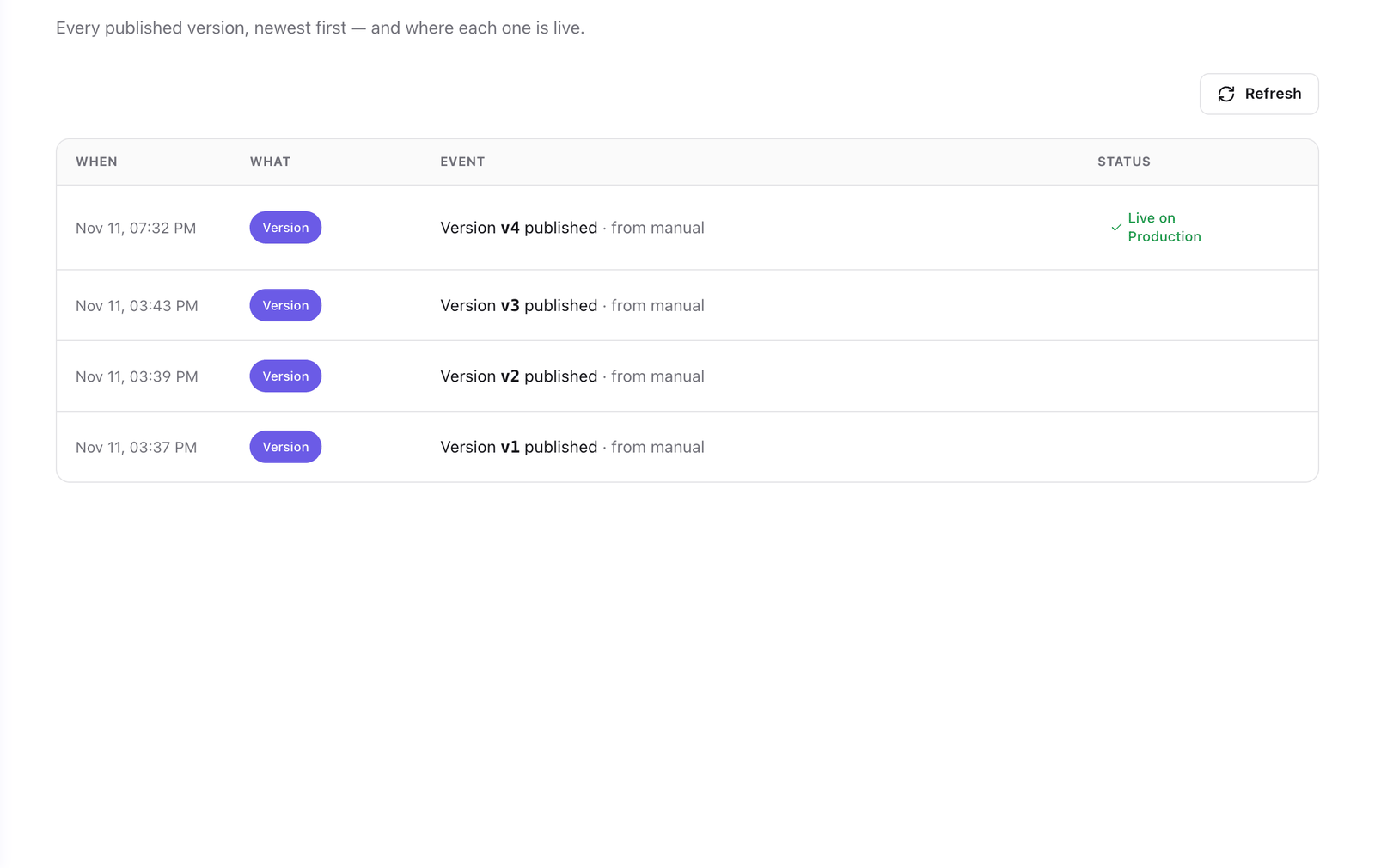
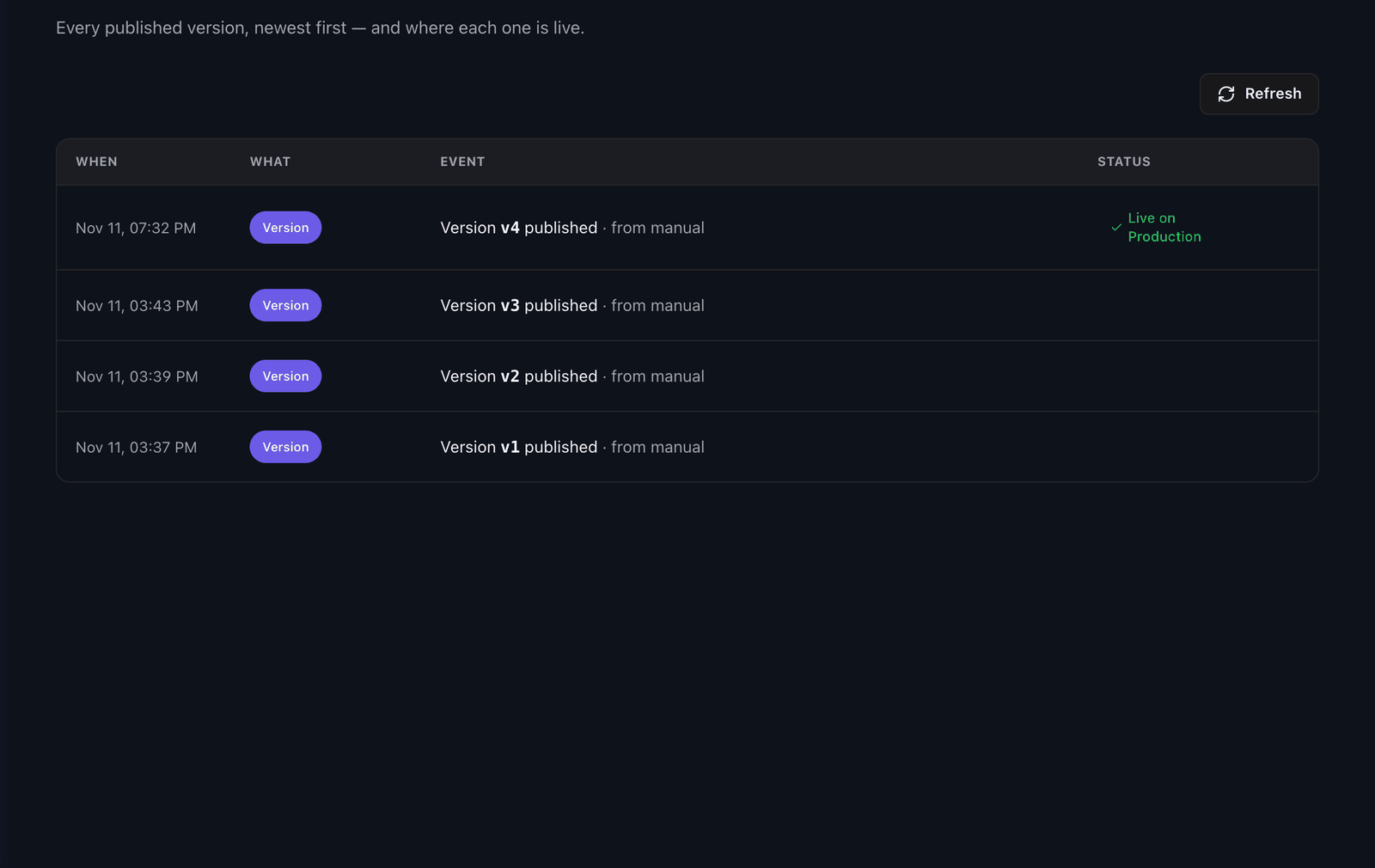
The header shows the draft with the next number and no changes, and the release target shows the version you published. The Versions tab lists the new version with a Live on badge for the release target.
A version cannot be edited. To change something, change the draft and publish again.
Deploy the version to other environments
A publish does not change what the other environments serve. To serve the new version on them, see Deploy a version to an environment.
Troubleshooting
| Symptom | Cause | Fix |
|---|---|---|
| Publish is not available | The draft matches the latest version. | Change something in the agent first. |
Variable "…" has no value in release-target environment "…" and no defaultValue |
An action reads a variable that has no default and no value on the release target. | Set the value in the Variables tab. See Set variables for each environment. |
| The header shows a version as published and a Deploy button for the release target | The release target serves an earlier version, for example after a rollback. | Select the button to serve the latest version there. |
| The site still shows the previous version | The page loads an environment that is not the release target. | Deploy the version to that environment. |
Next steps
- Deploy a version to an environment: serve the version on the other environments.
- Roll back to an earlier version: serve the previous version again.
- Versions, environments and deployments: what a version contains.
Last updated November 11, 2026