Identity verification
Identity verification tells a Web Agent which of your users it is talking to. Your backend signs a short-lived token with the agent's secret, and your app passes that token to the widget. A verified user keeps their conversation history on every device where they sign in.
How it works
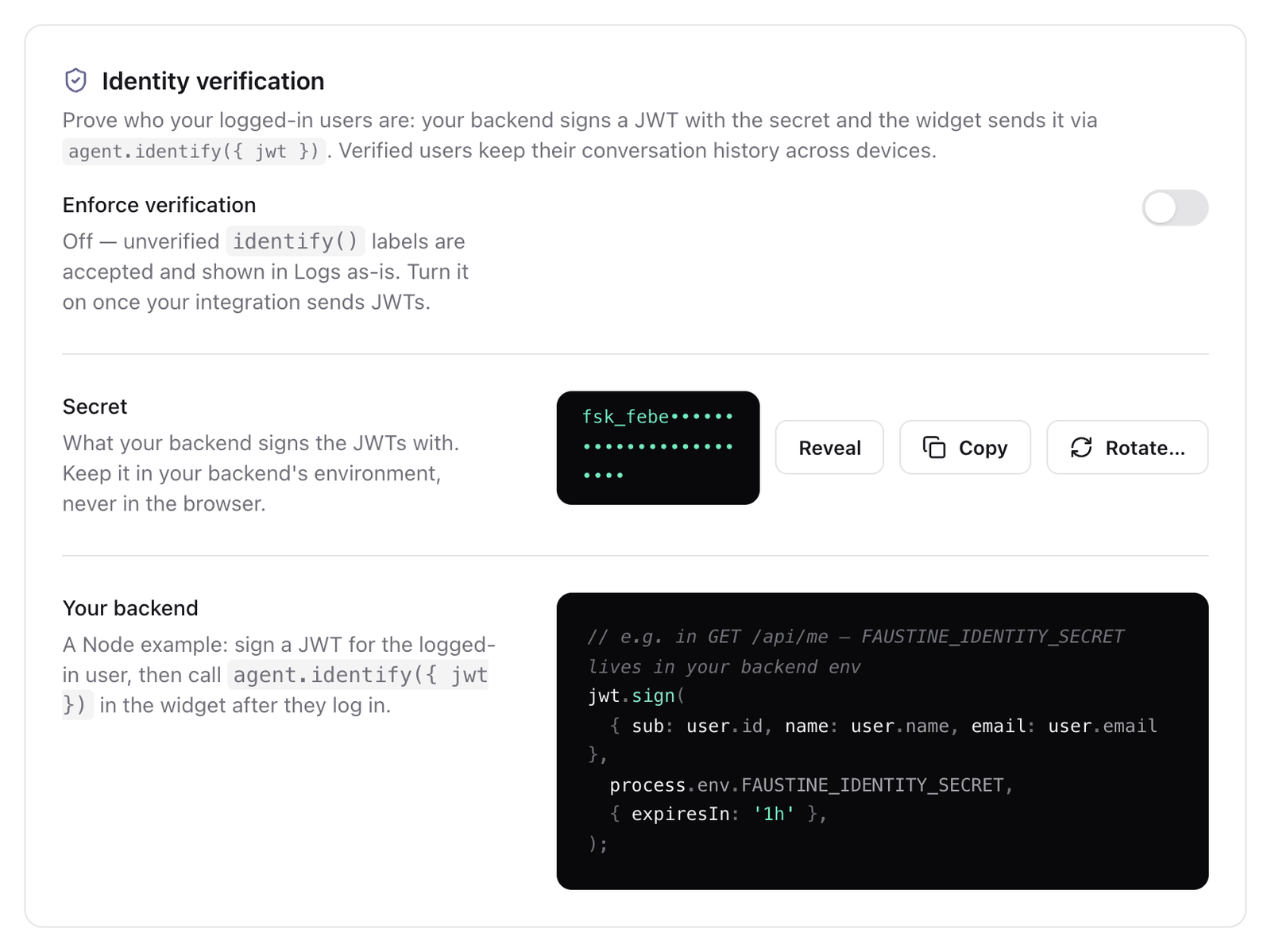
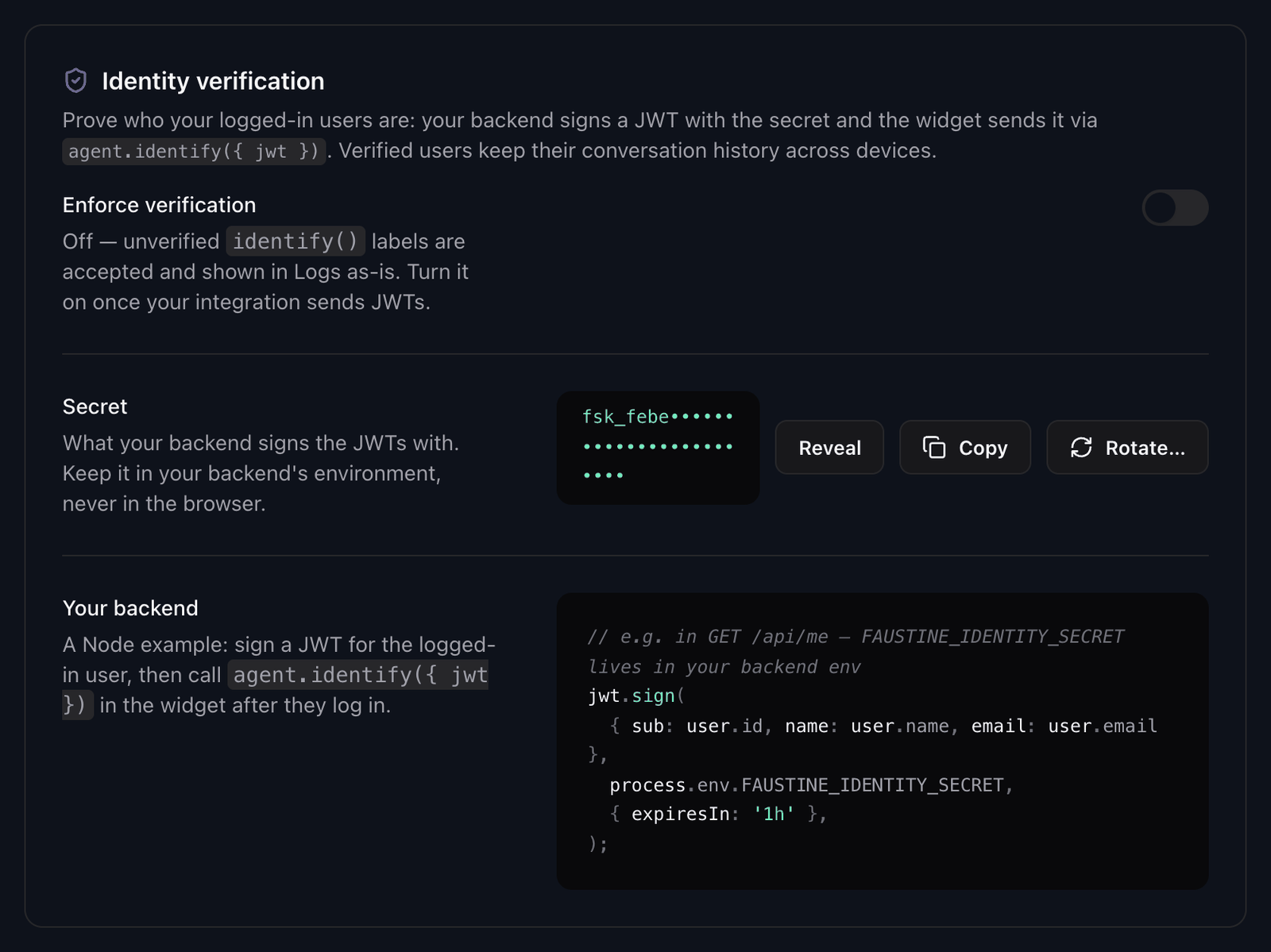
Each Web Agent has its own secret, shown in Settings > Identity verification. The secret stays on your server. When a user signs in to your app, your backend signs a JSON Web Token (JWT) with it and returns the token to the browser, and your app calls identify with that token.
Faustine verifies the signature on every message. A page cannot produce a valid token without the secret, so the identity cannot be changed from the browser console.
Identity levels
A conversation runs at one of three levels. The level depends on what your app passes to identify.
| Level | What your app sends | What you get |
|---|---|---|
| Anonymous | Nothing | One visitor per browser. Conversations stay in that browser. |
| Unverified | identify({ userId, name, email }) |
The name and email appear in the agent's Monitoring tab with an Unverified badge. Anyone can send any value. |
| Verified | identify({ jwt }) |
The user appears in the Monitoring tab with a Verified badge and keeps their history across devices. |
What a verified user gets
- Conversations are stored under your user ID, so the same user sees their threads after signing in on another device.
- The conversation that was open when the user signed in follows them, if it was active in the last hour. Older anonymous conversations stay in the browser where they started.
- When a different user signs in on the same browser, the widget starts with an empty conversation.
A token that is expired, has no exp, or does not verify never stops the chat. The conversation runs as anonymous.
The token
The token is a JWT signed with HS256.
| Claim | Required | Value |
|---|---|---|
sub |
Yes | Your ID for the user. |
name |
No | Shown in the Monitoring tab. |
email |
No | Shown in the Monitoring tab. |
exp |
Yes | When the token stops being valid. At most 24 hours after it is issued. One hour is a good default. |
Sign a new token each time the user's session starts. To write the signing code, see Verify your users with a signed token.
Enforce verification
Enforce verification is a switch in the same settings section. While it is off, Faustine accepts unverified names and emails and shows them in the Monitoring tab as sent. When you turn it on, Faustine ignores them and attaches only verified identities to conversations. Anonymous conversations work in both cases.
Turn it on once every place where your app calls identify sends a token.
Rotate the secret
Rotate… replaces the secret. Every token signed with the previous secret stops verifying at that moment, so users with an open session become anonymous until your backend signs with the new one. Update the secret in your backend's environment at the same time.
Rotating the secret does not create a version and does not need a publish.
Troubleshooting
| Symptom | Cause | Fix |
|---|---|---|
| The user shows as Unverified in the Monitoring tab | Your app calls identify with userId, name or email instead of jwt. |
Pass the token: identify({ jwt }). |
The user shows as anonymous after identify({ jwt }) |
The token is expired, or was signed with a different secret or algorithm. | Sign with HS256 and the secret of this agent. Set exp, no more than 24 hours ahead. |
| Users became anonymous after a rotation | Your backend still signs with the previous secret. | Deploy the new secret to your backend. |
| The history does not follow the user to another device | sub is not the same value on both devices. |
Use a stable user ID for sub, not a session ID. |
Next steps
- Verify your users with a signed token: sign the token and pass it to the widget.
- Restrict the domains that can load the agent: keep the agent from running on pages that are not yours.
Last updated November 13, 2026