Authentication
Authentication is how Faustine signs in to your API when a gateway calls one of its operations. You set it once on the API, in the Authentication tab. Every connection of the API signs in the same way and holds only its own values: a key, a username and password, a client ID and secret.
How it works
The API owns the strategy and everything that describes it: where a key goes, the login route, the identity provider's token URL, or a sign-in function written in code. A connection owns the endpoint and the credential values for one deployment of your API.
When an agent calls an operation, the gateway picks the connection, signs in with the API's strategy and that connection's values, and adds the resulting credential to the request. Agents never see the credential.
Strategies that obtain a token (Bot user, OAuth client and Custom (code)) keep the token until it expires. When a call answers 401, the gateway signs in again.
Strategies
| Strategy | What the gateway does | How-to |
|---|---|---|
| API key / static token | Adds the stored key to every call, as an HTTP header, a query parameter or gRPC metadata. | Connect with an API key or static token |
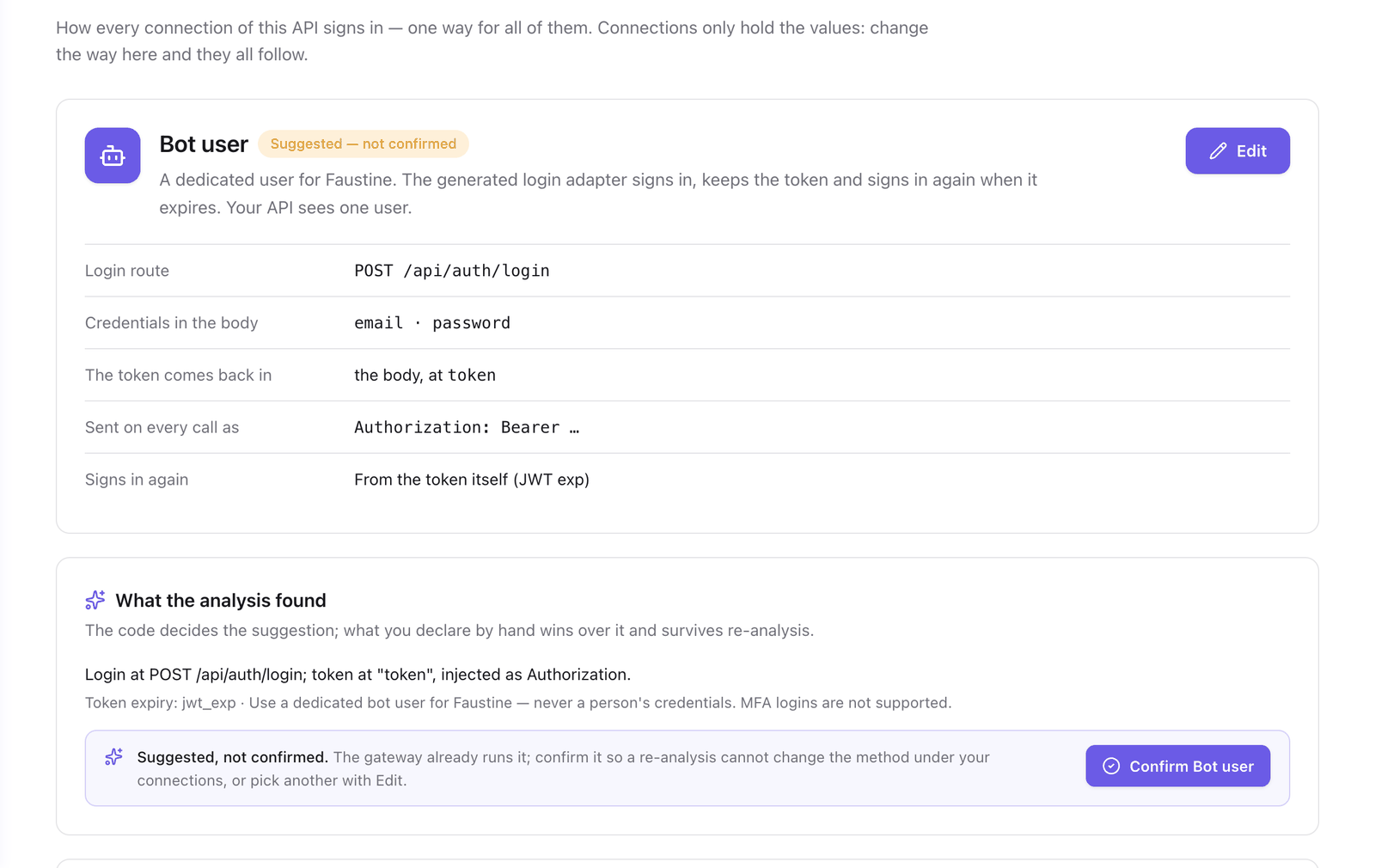
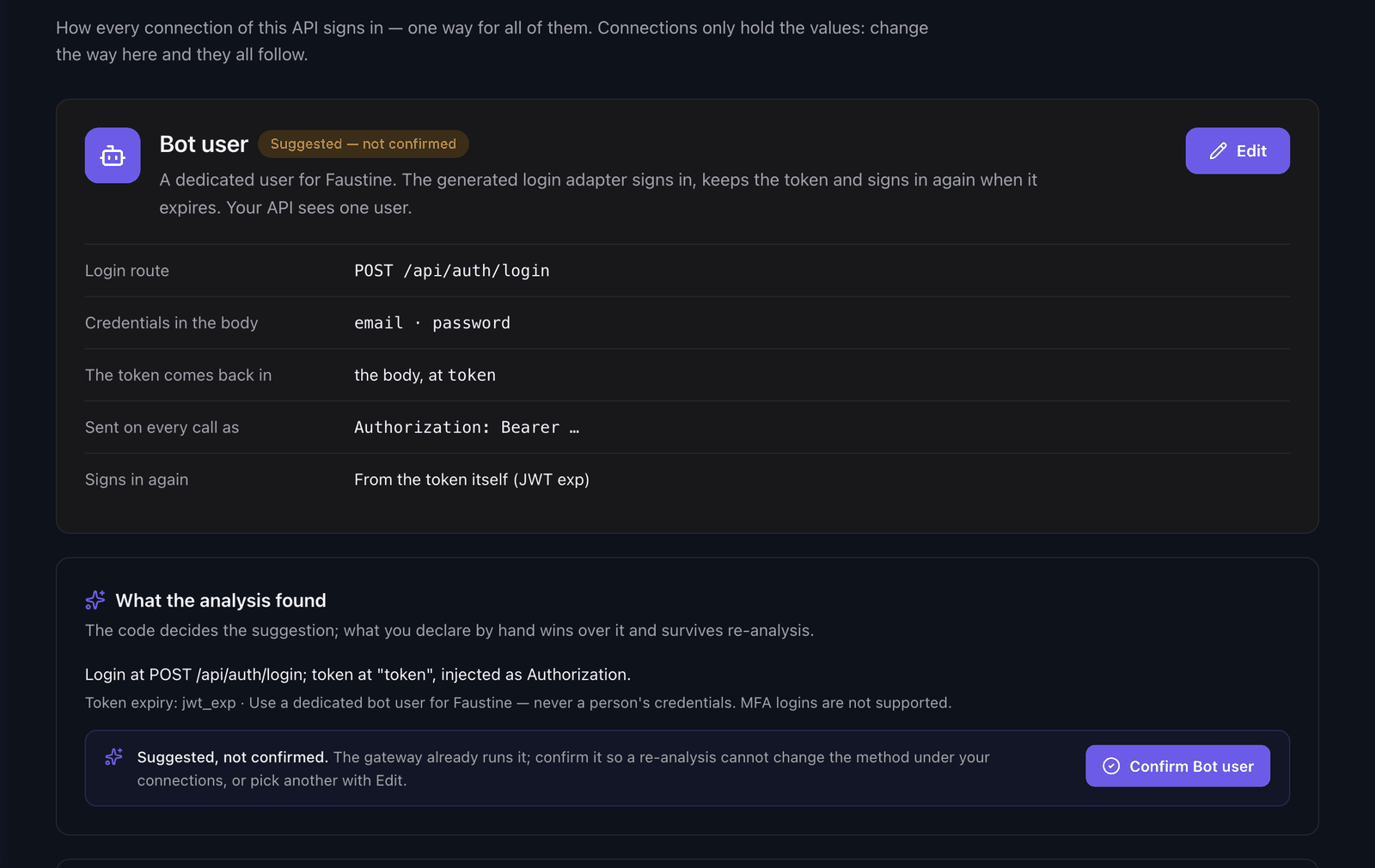
| Bot user | Signs in at the API's login route with a dedicated user and sends the token on every call. | Connect with a bot user |
| OAuth client | Requests a token from your identity provider with the client credentials grant and sends it as Authorization: Bearer. |
Connect with an OAuth client |
| Custom (code) | Runs a JavaScript function that returns the headers every call needs. | Write a custom sign-in script |
| Pass-through | Stores nothing. Forwards the token the agent sends in X-Upstream-Authorization. |
Pass the caller's credentials through |
| No authentication | Sends no credential. The gateway still checks its own keys, users, scopes and limits. |
Choose Bot user or OAuth client when your API should see one identity for all agent traffic. Choose Pass-through when each call has to run as the person behind the agent.
What the analysis found and what you declare
The analysis reads how your API authenticates and fills in the Authentication tab with a suggestion. The tab shows where the current setting comes from:
- From the analysis: the analysis detected the strategy and its details. A later analysis can refine them.
- Declared by hand: you changed something. The declaration is kept across re-analysis. Use what the analysis found drops it and goes back to the detection.
While a suggestion is unconfirmed, the gateway already uses it. Confirm it so that a re-analysis cannot change the strategy under your connections.
When the analysis could not turn what it found into a strategy, the tab shows No sign-in set yet and Set up authentication.
Change the authentication of an API
To set or change the strategy:
- In the portal, go to APIs and select your API.
- Select the Authentication tab, then Edit.
- In Sign-in method, select a strategy. The one the analysis suggests is marked Suggested.
- Fill in the fields of that strategy.
- Select Save changes.
Saving signs every connection of the API in again with the new setting. A connection that lacks a value the new strategy needs is marked needs credentials, and the gateway does not call through it until you add the value.
Token exchange
Some APIs do not accept the first token themselves. A route of their own exchanges it for the token the other routes verify. For Bot user and OAuth client, turn on Exchange it for the platform's own token and fill in Exchange route, how the first token travels, and where the second token comes back. The gateway chains the two requests and sends the second token on every call.
Troubleshooting
| Symptom | Cause | Fix |
|---|---|---|
Bot user needs the login route |
The strategy is Bot user and the API has no login route. | Enter Login route in the Authentication tab. |
OAuth client needs the identity provider's token URL |
The strategy is OAuth client and the token URL is empty. | Select a Token provider and fill in its fields. |
Upstream login failed (401) |
Your API refused the bot user's username or password. | Correct the values in the connection. |
Identity provider refused the client credentials |
The identity provider rejected the client ID, the secret, the scopes or the audience. | Check the values against the client registered at the provider. |
This API uses pass-through auth: send the upstream token in the X-Upstream-Authorization header |
The strategy is Pass-through and the client sent no token. | Send the header from the client. |
Next steps
- Connections: where the credential values live.
- Add a connection: give the API an endpoint and its values, and test them.
- Write a custom sign-in script: for a sign-in that no form describes.
Last updated November 13, 2026