Logs
Logs is the record of every request agents made through one environment of a gateway. It is the Logs tab of the gateway. A request is one tool call over MCP or one call over REST. A script run in Code mode is one request, with every operation it called inside it.
What a request holds
| Part | What it is |
|---|---|
| Calls | Each operation the request ran, such as crm.deals.get. A recipe shows the calls it made under it. |
| Upstream attempts | Each HTTP or gRPC exchange with your API: method, URL, status and duration, including the sign-in when one was needed. |
| Status | OK, Error, Upstream error, Denied, Waiting (for a confirmation) or Running. |
| IDs | The request ID (req_…), the trace ID and, over MCP, the session and JSON-RPC IDs. |
Every request has metadata: who called, what, when, how long it took and how it ended. Payloads are the arguments, results, scripts, console output and the headers and bodies exchanged with your API. Payloads are recorded by default and pass through redaction before they are stored.
Find a request
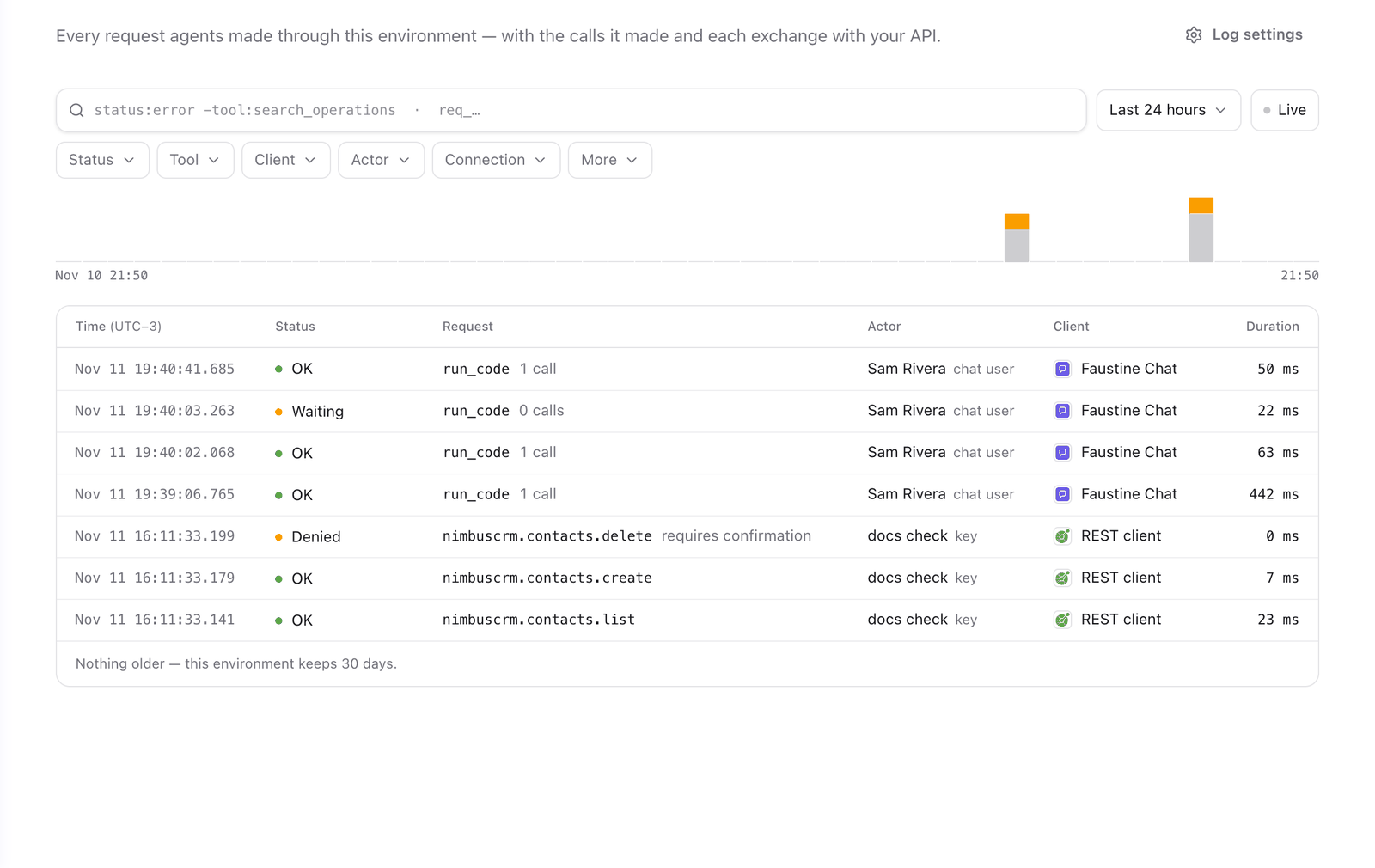
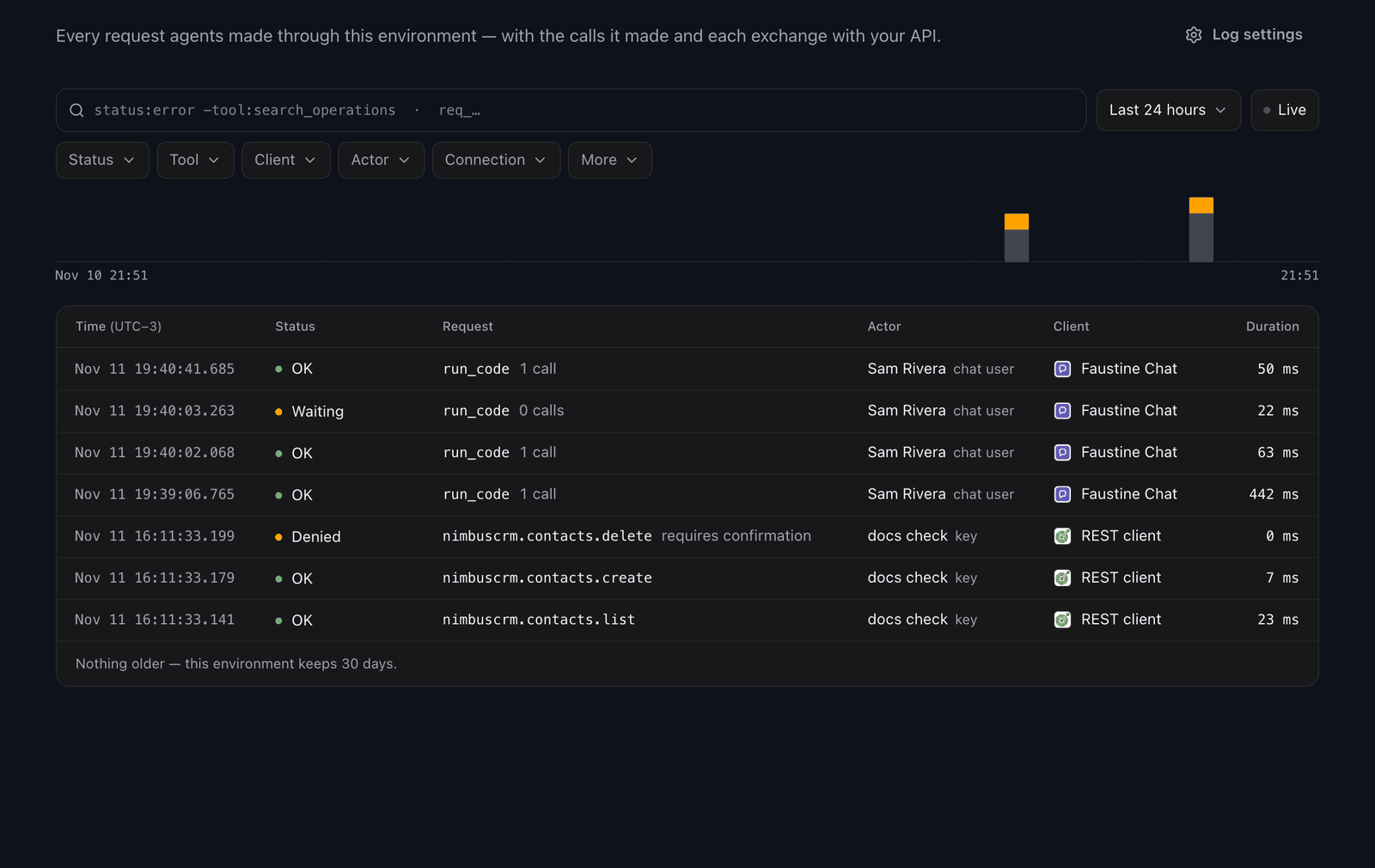
The list shows one row per request, newest first, with its Status, Request, Actor, Client and Duration. A histogram above it shows requests over time by status. Drag across it to zoom into a time range.
To narrow the list:
- Choose a range from Last 15 minutes to Last 30 days. The default is Last 24 hours.
- Filter by Status, Tool, Client, Actor or Connection. Each menu can include or exclude a value.
- Type in the filter box.
status:errorincludes a value,-tool:search_operationsexcludes one, and a request ID (req_…) finds that request. - Turn on Live to load new requests every 5 seconds.
Discovery calls, where an agent looks up operations without running one, are left out of the list until you turn on Show discovery calls under More.
Read a request
To see what a request did, select its row. The request page shows the calls and upstream attempts as a waterfall. Select a call to see its input and output. Select an attempt to see the request and the response exchanged with your API, with headers and bodies. Copy as cURL rebuilds an attempt as a command, with the secrets as shell variables.
A denied request says why the gateway refused it and links to the setting that decides it: the credential's scope or limits, the confirmation policy, or the allowed IP addresses.
A value that redaction replaced appears as a marker, such as [redacted: account number]. A payload that was not recorded or has passed its retention shows a line saying so.
Trace a request across systems
The gateway returns the request ID to the caller and sends it to your API, so one ID finds the request on every side.
| Where | Value |
|---|---|
| MCP tool result | _meta["faustine/requestId"] |
| REST error body | error.requestId |
| Request to your API | The x-request-id header, plus a W3C traceparent header |
Log settings
Each environment has its own log settings. To open them, select Log settings in the Logs tab.
| Section | What it decides |
|---|---|
| Recording | Whether payloads are recorded, which parts, their maximum size, and operations that are never recorded. See Set recording and retention. |
| Redaction | Which values are removed from payloads before they are stored. See Redact sensitive fields. |
| Retention | How long metadata and payloads are kept. |
| Log streams | Destinations outside Faustine that receive the requests. See Log streams. |
| Stored data | Delete the stored payloads, or every log of the environment. |
Defaults
| Setting | Default |
|---|---|
| Payloads | Recorded, every part |
| Maximum size per body | 32 KB |
| Metadata retention | 30 days |
| Payload retention | 7 days |
| Built-in redaction | Sensitive field names, sensitive schema fields, card numbers, JWTs, and Bearer and Basic credentials |
Next steps
- Redact sensitive fields: keep secrets and personal data out of stored payloads.
- Set recording and retention: choose what is recorded and for how long.
- Log streams: send the requests to your own tools.
- Topology: see the same traffic as a map.
Last updated November 11, 2026