Choose which operations are exposed
An exposed operation is one that clients of an environment can see and call. Every operation starts exposed when you add its API, except recipes and deprecated operations, which start hidden. Hide the ones no client of this environment should reach.
Exposure is set per environment. An operation hidden in Production can stay exposed in Staging.
Expose or hide operations
To choose the operations an environment serves:
- In the portal, go to Agent Gateway and select your gateway.
- Check the environment button in the header.
- Select the Operations tab.
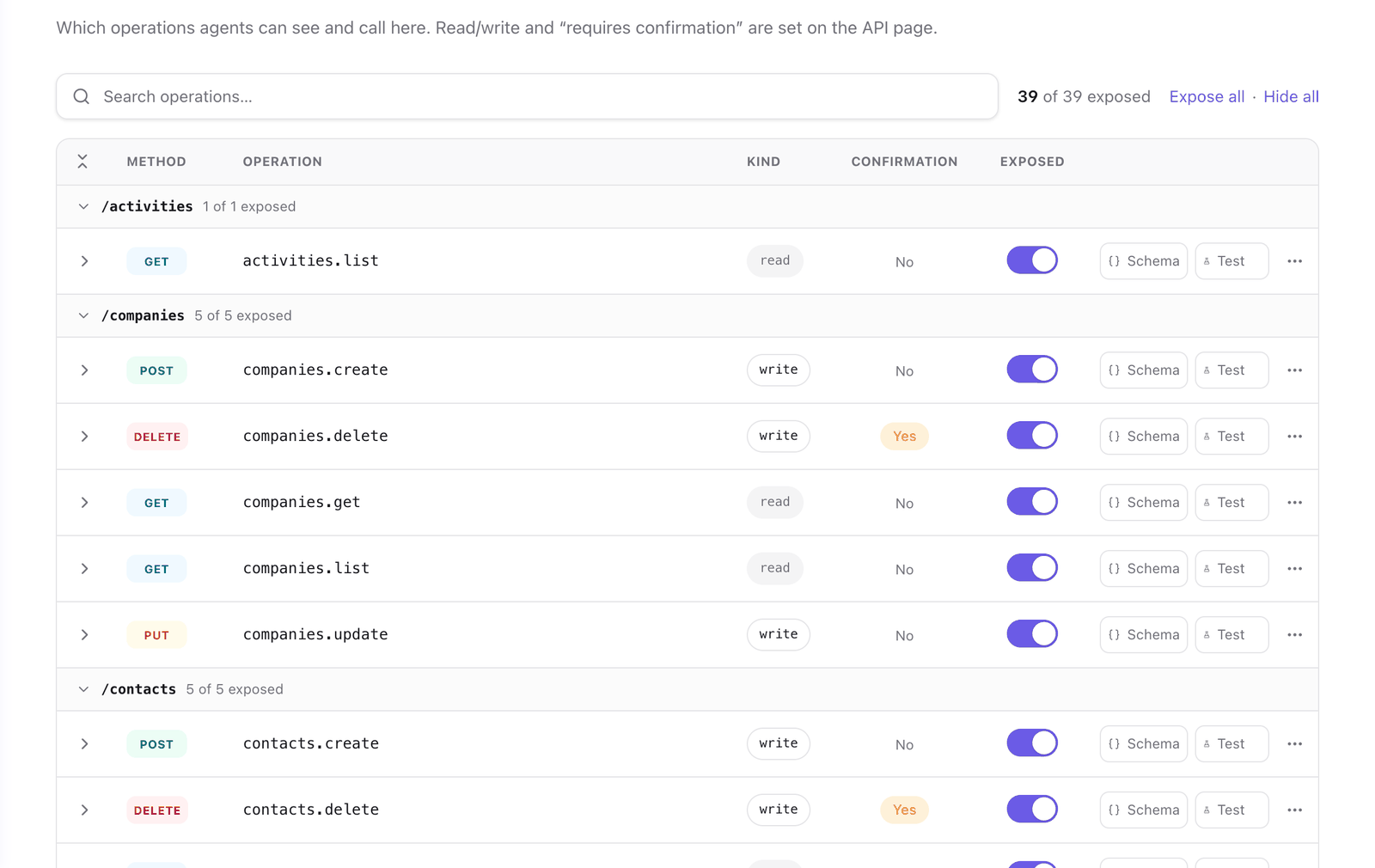
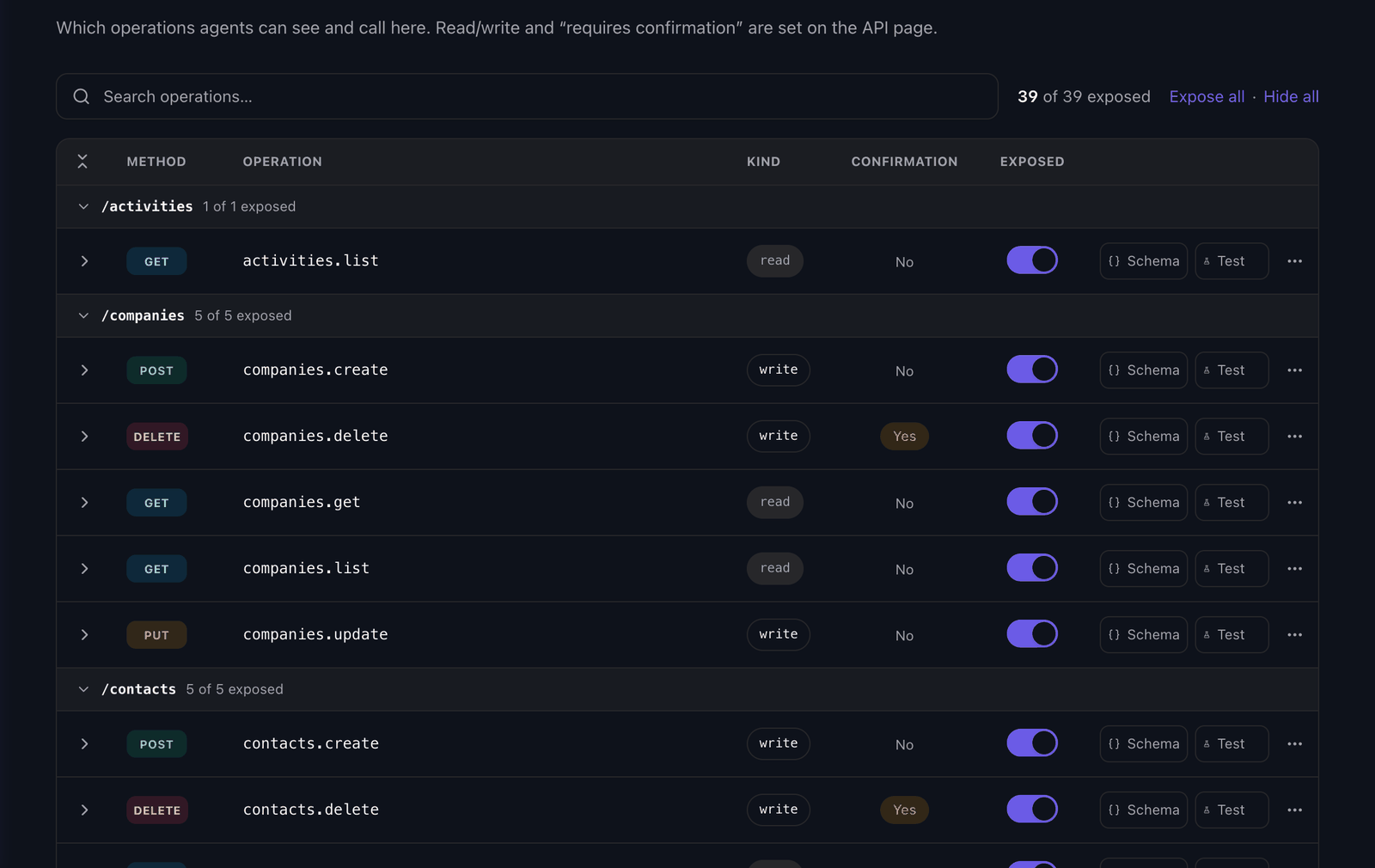
- Turn the Exposed switch off for each operation to hide, or on to expose it again.
- To find an operation, enter part of its name in Search operations… or filter by API.
- To change many at once, select Expose all or Hide all. With a search or an API filter active, the links read Expose matching and Hide matching and apply to the rows shown.
- Select Save changes.
Nothing applies until you save. After you save, a hidden operation is gone from the MCP tool list, from search_operations, from the REST mirror and from the OpenAPI document. A call to it returns unknown_operation.
What you cannot change here
The Kind (read or write) and Confirmation columns are read-only in this tab. They belong to the API and apply to every gateway that serves it. To change them, select Open the API page and edit the operation there. See Operations.
Exposure and scopes
Exposure is the outer limit for the whole environment. A credential's scope selects from the exposed operations and cannot reach a hidden one. To give one key fewer operations than another, leave the operations exposed and narrow the key. See Scope a key or user.
Next steps
- Scope a key or user: limit one credential to some of the exposed operations.
- Confirmation: keep a write exposed and have a person approve it.
- Customize the gateway docs page: leave an operation callable and out of the API reference.
Last updated November 13, 2026